Scoring the AMD Radeon RX 9070: Your Guide to the PowerColor Hellhound Deal and GPU Upgrade
Overview
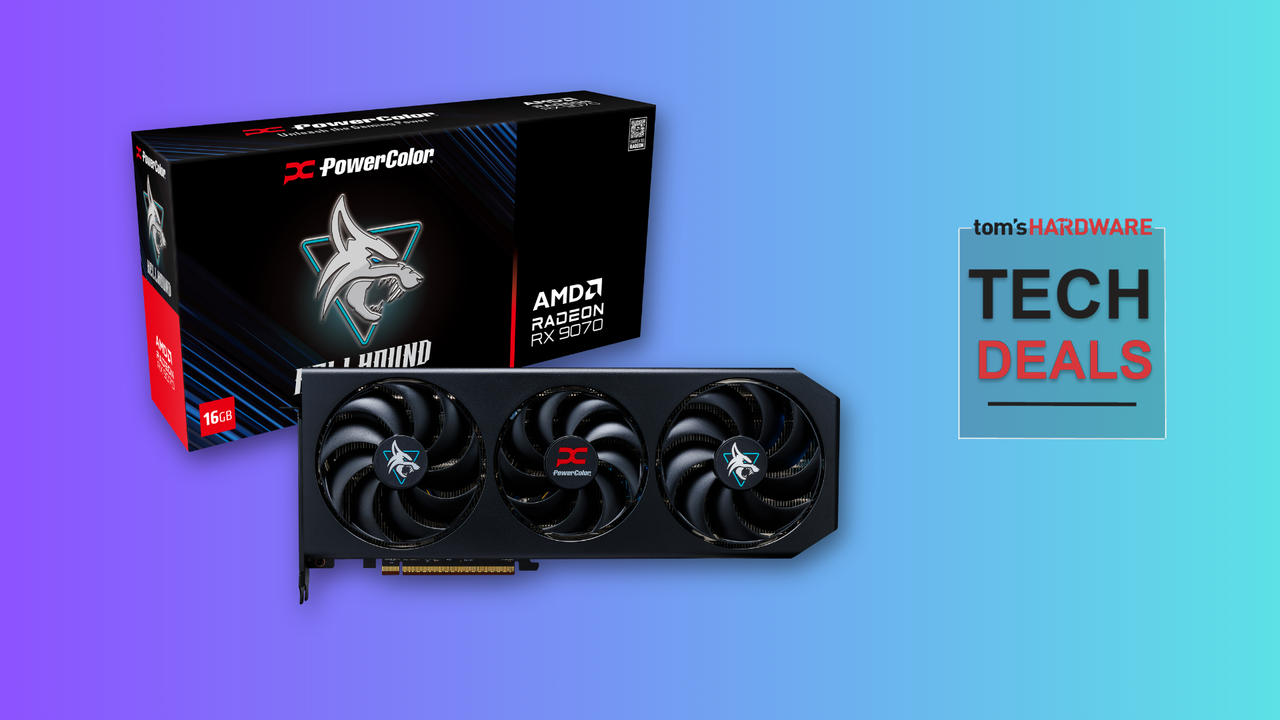
If you've been waiting for a GPU upgrade but felt discouraged by high prices and limited availability, a promising opportunity has just emerged. The AMD Radeon RX 9070, specifically the PowerColor Hellhound variant with 16GB of VRAM, is now available at an all-time low price of $554 — a 23% discount from its typical retail price of $719. This card is a solid performer for 1440p gaming and can even handle 4K resolutions with the help of upscaling technologies. In this guide, we'll walk you through everything you need to know about this deal, from prerequisites to installation and optimization, so you can make the most of this GPU upgrade.
Prerequisites
Before you jump on this deal, ensure your system meets the following requirements:
- Power Supply: The RX 9070 requires a minimum 650W PSU (750W recommended for overclocking or high-end CPUs). Check your current PSU's wattage and available PCIe power connectors (typically two 8-pin).
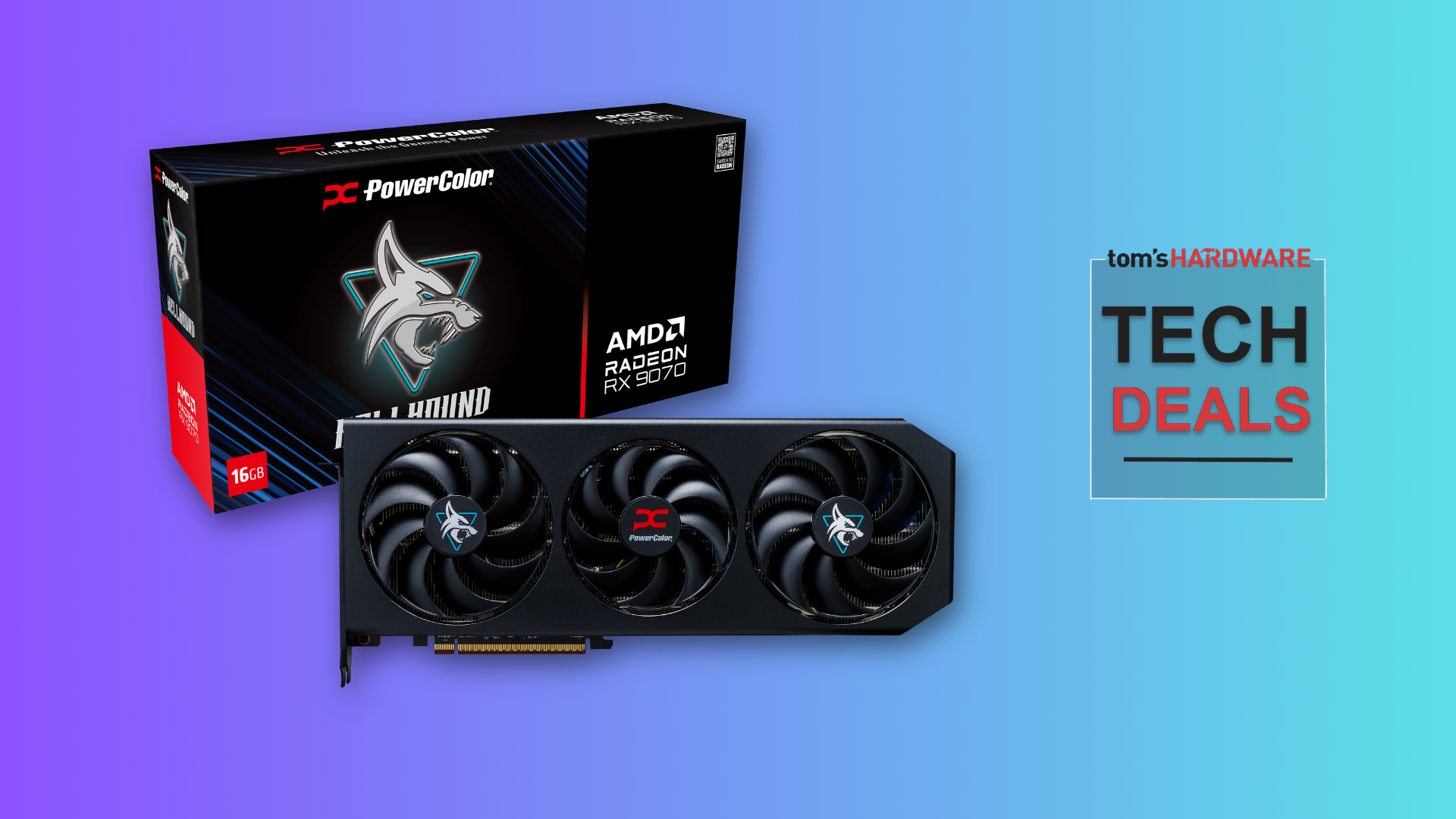
- Physical Space: The PowerColor Hellhound is a triple-fan card, so measure your case clearance for length (about 320mm) and width (2.5 slots).
- Motherboard: A PCIe 4.0 x16 slot (backward compatible with PCIe 3.0). Ensure your case has adequate airflow.
- Operating System: Windows 10/11 64-bit or a recent Linux distribution with AMD drivers.
- Budget: $554 for the card plus any potential shipping/taxes. Also consider thermal paste or tools if you plan to repaste.
Step-by-Step Guide
Step 1: Verify the Deal and Purchase
First, confirm the pricing on reputable retailer websites. The $554 price for the PowerColor Hellhound RX 9070 typically appears on platforms like Newegg, Amazon, or B&H. Look for the discount tag (23% off) and ensure it's sold by a trusted seller. Check for bundle offers or free shipping.
Pro tip: If the deal is limited-time, act quickly. Use price tracking tools like CamelCamelCamel to verify it's indeed an all-time low.
Step 2: Prepare Your System
Before installing the new GPU, uninstall old drivers using Display Driver Uninstaller (DDU) in Safe Mode. This prevents conflicts. Also, back up important data and create a system restore point.
- Disconnect power and ground yourself to avoid ESD.
- Remove the old GPU if present, and clean the PCIe slot with compressed air.
- Ensure your PSU has the required cables and enough wattage.
Step 3: Install the RX 9070
Handle the card by its edges. Insert it firmly into the PCIe x16 slot until the latch clicks. Connect the power cables (usually two 8-pin PCIe connectors). Secure the card with screws to the case. Close the side panel, connect monitors, and power on.
Note: The PowerColor Hellhound has a dual BIOS switch; for default performance, leave it on the 'OC' setting.
Step 4: Install Drivers and Software
Download the latest AMD Radeon Adrenalin drivers from AMD's official website. Run the installer (custom install is recommended). After installation, restart. Use the software to enable features like Radeon Anti-Lag, FidelityFX Super Resolution (FSR), and Radeon Boost for optimal gaming performance.
Step 5: Benchmark and Optimize
Test your new card with 3DMark or in-game benchmarks. For 1440p gaming, the RX 9070 should deliver high settings at 60+ FPS in most titles. For 4K, enable FSR or other upscaling to maintain playability. Tweak fan curves using the Adrenalin software to balance noise and temperature.
Monitor temperatures (ideal under load: <75°C) and ensure no throttling. If you wish, you can manually overclock using the tuning tab, but start conservatively.
Common Mistakes
- Ignoring PSU limitations: Using an underpowered PSU can cause crashes or damage. Always check wattage and connectors.
- Not checking physical clearance: The Hellhound is large; measure twice to avoid a tight fit or airflow obstruction.
- Skipping driver removal: Old Nvidia or AMD drivers can cause instability. Use DDU to cleanly uninstall.
- Forgetting to enable Resizable BAR: This feature improves performance; enable it in BIOS if supported.
- Overclocking without proper cooling: The card is already well-cooled, but extreme overclocking may require improved case airflow.
Summary
The AMD Radeon RX 9070 PowerColor Hellhound at $554 is a rare deal that offers excellent 1440p performance and capable 4K gaming with upscaling. By following this guide — verifying the purchase, preparing your system, installing correctly, and optimizing settings — you can upgrade confidently. Remember to avoid common pitfalls like insufficient power or clearance. This GPU deal won't last forever, so seize the opportunity to elevate your gaming experience.
Related Articles
- MINISFORUM Launches Entry-Level M2 Mini PC with Intel Panther Lake; M2 Pro Still Awaiting Release
- Motherboard Market Meltdown: 6 Key Reasons Sales Are Plummeting
- Intel's 18A-P Node: Unpacking the Performance and Efficiency Advances
- AMD Unveils Ryzen AI Max PRO 400 Series: Massive 192GB RAM Support and Modest Performance Upgrades
- Motherboard Sales Plummet Up to 37% as PC Building Faces Existential Crisis – But PCIe 8.0 Offers Hope
- How to Snag a $400 Discount on a Top-Tier Gaming Laptop: The RTX 5070 Ti, OLED Helios Neo 16S Guide
- Warby Parker Unveils First Smart Glasses with Google Gemini and Android XR to Rival Meta's Ray-Ban
- Forging a Chip Manufacturing Alliance: The Intel-Apple Blueprint